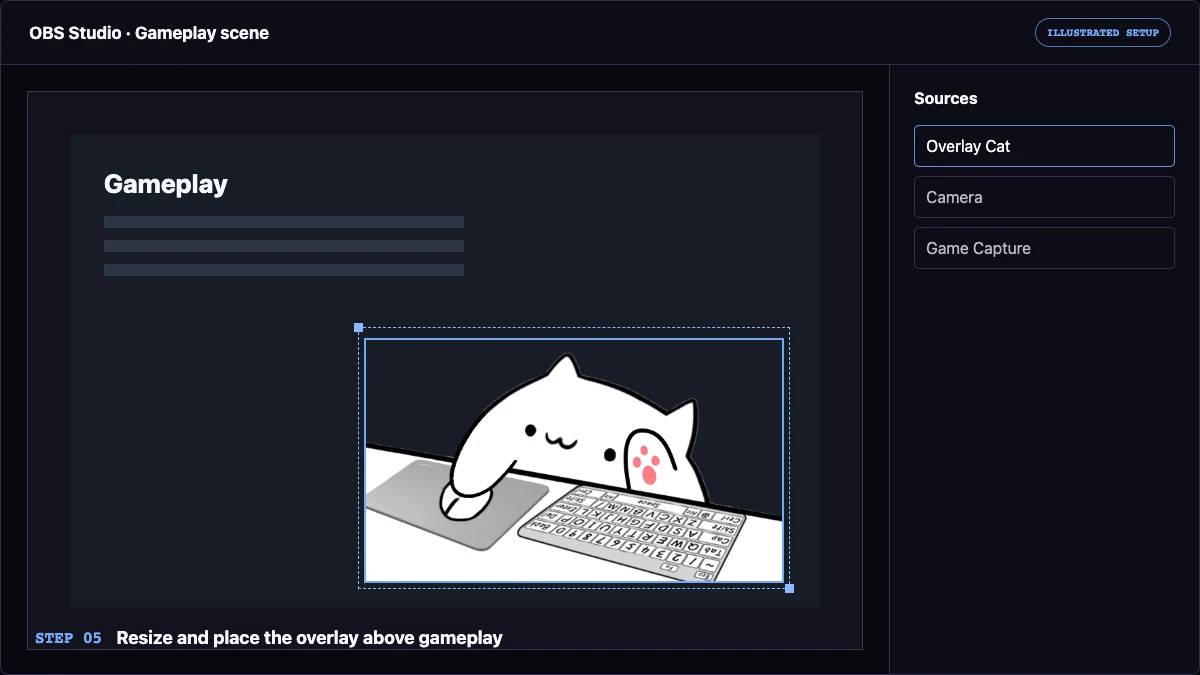
Streaming workflow
How to Show Keyboard and Mouse on Stream
Choose an input format, connect it to broadcast software, protect sensitive keystrokes, and test the final scene.
Read the guideOverlay Cat learning center
Practical guides for making keyboard, mouse, arrow-key, and gamepad input visible in OBS Studio, TikTok LIVE Studio, tutorials, gameplay, and recorded demonstrations.
Useful before searchable
Overlay Cat guides focus on decisions a creator can test: which input viewers need to understand, how the source reaches broadcast software, where the visual belongs in a scene, and when it should be hidden for privacy. The articles use the current Desktop workflow and first-party interface screenshots rather than generic streaming advice.
Start with the complete keyboard-and-mouse article when you are planning a new setup. Use the OBS or TikTok LIVE Studio guides when you already know the target platform and need exact connection steps. The input tester and template collection provide a faster way to explore events and layouts.
Streaming workflow
Choose an input format, connect it to broadcast software, protect sensitive keystrokes, and test the final scene.
Read the guide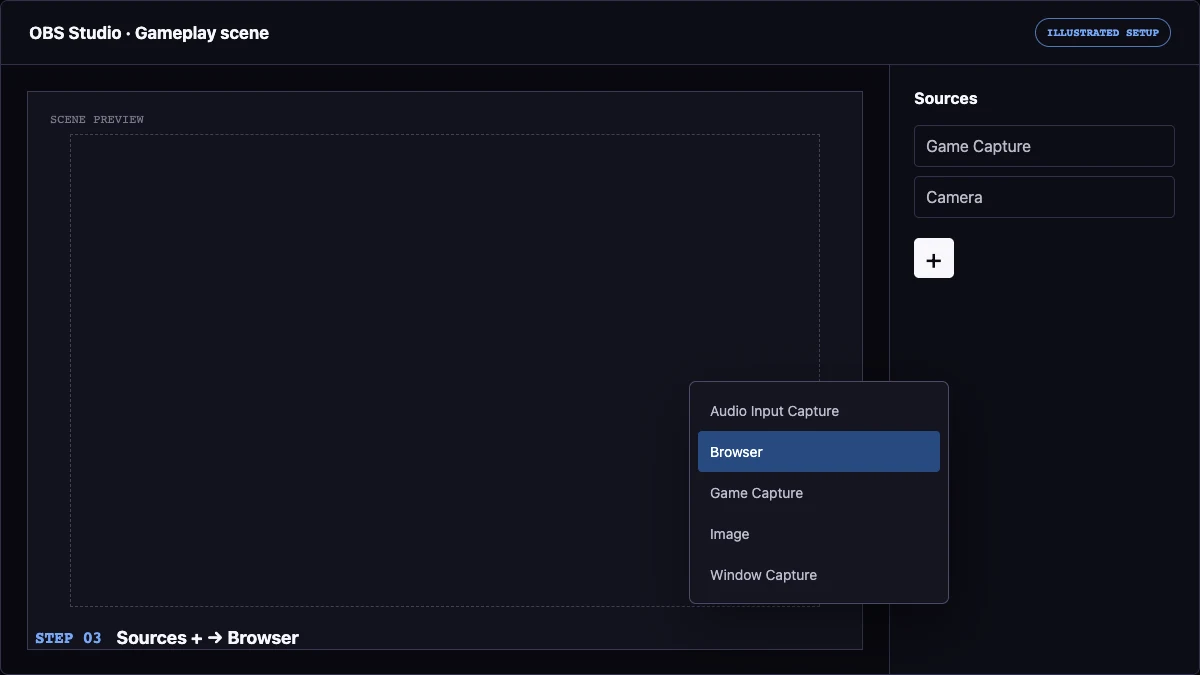
OBS Studio
Follow the local Browser Source workflow with illustrated source, sizing, transparency, and placement steps.
Read the guide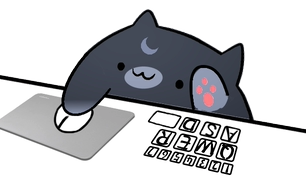
TikTok LIVE
Connect the local Link source and adapt a compact reactive overlay to a vertical or landscape LIVE scene.
Read the guide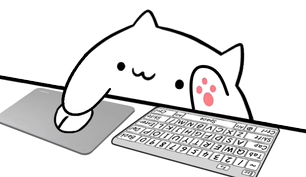
Maker workflow
Choose a character, pair an input style, test keyboard and mouse reactions, and connect the finished overlay to OBS or TikTok LIVE Studio.
Read the guide
Troubleshooting
Fix a blank, frozen, or non-reactive overlay by isolating input capture from the OBS or TikTok LIVE Studio source connection.
Read the guide
OBS scene design
Use the production Browser Source URL, preserve the viewport ratio, and remove preview-only backgrounds for clean transparent output.
Read the guideChoose the next useful page
Compare the keyboard overlay formats when you need to decide between a full, compact, arrow-key, mouse, or gamepad layout. Then use the template collection to connect that format with a character, placement, and stream use case.
Use the OBS or TikTok LIVE Studio article for exact source steps. Both explain the local link workflow, but the scene decisions differ: OBS usually offers a wider canvas, while TikTok LIVE needs compact placement and a phone-sized preview check.
Open the browser input overlay tester to inspect keyboard event codes and mouse buttons. The tester is deliberately page-scoped; install Overlay Cat Desktop when input must continue while a game or another application has focus.
Try before setup
Use the browser tool to inspect keyboard and mouse events, then compare templates before building the live source.