Button clarity
Show face buttons, shoulder buttons, triggers, and modifiers when they change the game state.
Make gamepad input visible
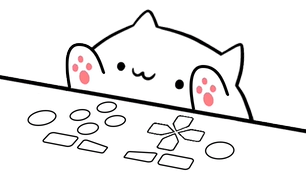
Show gamepad buttons, triggers, sticks, and directional input with a Bongo Cat controller overlay. Overlay Cat's dedicated gamepad style fits OBS scenes, controller tutorials, console-style games, and TikTok LIVE without forcing actions into a keyboard metaphor.
Controller context
In most broadcasts the controller is outside the camera frame or hidden behind hands and desk clutter. Viewers can see a character jump, shift, or activate an ability, but they cannot tell which button caused it. A controller overlay connects the action with the input and makes gameplay easier to follow for new players and regular viewers alike.
Show face buttons, shoulder buttons, triggers, and modifiers when they change the game state.
Let viewers connect a jump, dash, or special move with the exact moment the player pressed it.
Give controller streams a recognizable Bongo Cat reaction that fits the gameplay instead of a keyboard grid.
Gamepad style
A gamepad is not a keyboard. Pressing the right trigger, tilting the left stick, or hitting a face button means something different from typing a letter. Overlay Cat's gamepad style keeps those inputs recognizable by pairing the Bongo Cat with controller-shaped visuals and reactions.
The dedicated style also reduces visual noise. Instead of a full keyboard with a few game keys lit, viewers see a compact controller that communicates the same action with fewer distractions. That makes it a strong fit for fighting games, platformers, racing streams, and any content built around gamepad controls.
Scene design
Treat the controller overlay as an input instrument, not a decorative sticker. It should be large enough for viewers to read the buttons, but it should not cover health bars, captions, or the center of the action. Bottom corners work well for landscape gameplay, while a vertical TikTok LIVE frame usually needs a compact placement outside caption-safe zones.
Test the layout at actual output size before going live. If the controller feels too large in a vertical scene, switch to a compact character or move it below the camera. The goal is immediate recognition without stealing attention from the game.
Choose by content type
Use the gamepad style so combos, jumps, and special moves stay readable.
Show triggers and stick inputs when timing and pressure are part of the story.
Teach new players which button does what without a confusing keyboard map.
Choose a compact gamepad layout that fits a narrow frame and stays outside safe zones.
Six characters, five style families
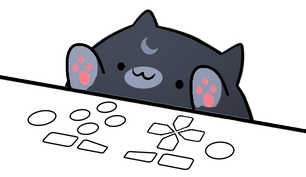
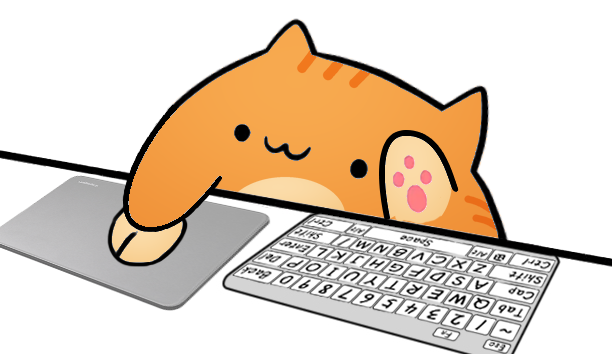
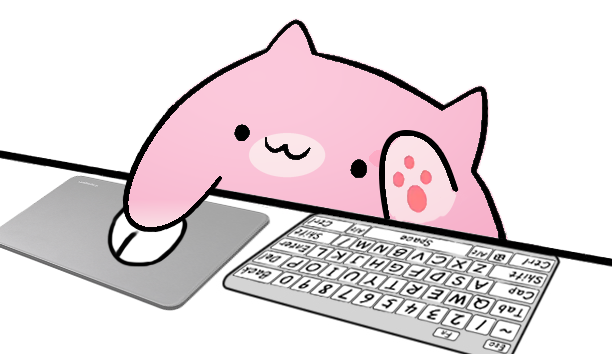
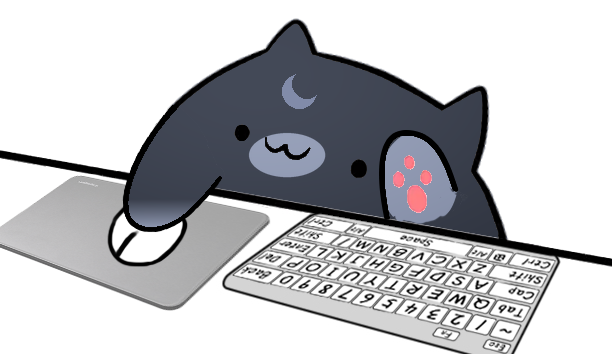
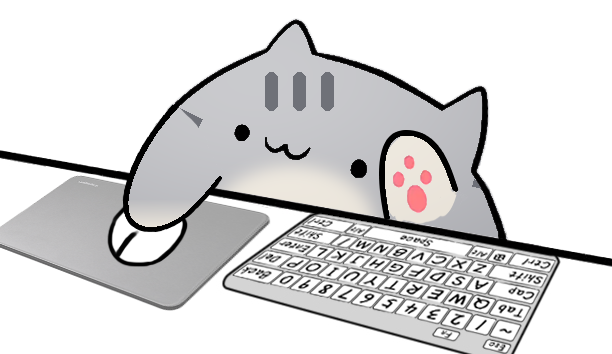
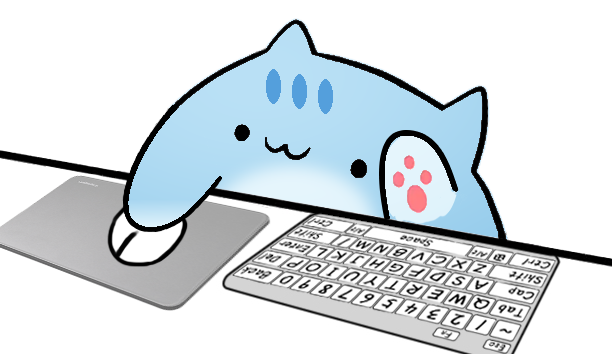
Overlay Cat separates character appearance from input style. You can test Classic Bongo Cat, Marmalade, Sakura, Luna, Misty, and Sky with the same controller behavior. That makes it easier to match a stream palette without relearning the setup or rebuilding the Browser Source.
Compare all Bongo Cat characters and styles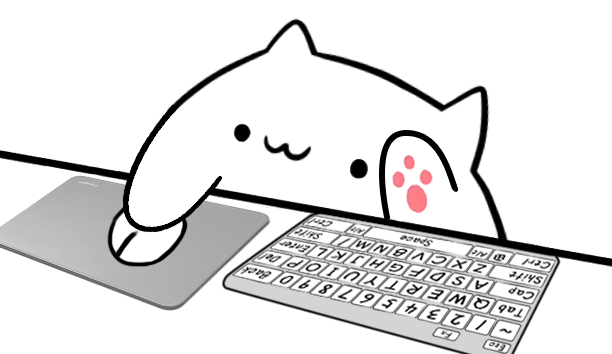
Make input visible
Use the browser tester for a quick check or install Overlay Cat Desktop for system-level controller input.