Tutorial clarity
Confirm shortcuts and navigation steps without stopping to spell out every key combination.
Make every shortcut readable
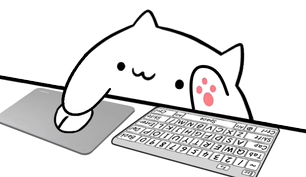
Give viewers a visual response when you type, trigger a shortcut, or move through a game. Overlay Cat turns keyboard activity into Bongo Cat reactions that fit tutorials, OBS scenes, TikTok LIVE, coding streams, speedruns, and product demonstrations.
Useful before it is decorative
A viewer can see a menu open, a character move, or code change, but the triggering key is usually invisible. A keyboard overlay connects the result with the input and makes complex actions easier to follow in real time and in recorded clips.
Confirm shortcuts and navigation steps without stopping to spell out every key combination.
Let viewers connect timing, movement, and decisions with visible keyboard activity.
Replace a generic key grid with a character that reacts in rhythm with the creator.
Full keyboard
Full keyboard styles suit coding, editing, music production, design, and software instruction. Viewers may need to understand letters, modifiers, function keys, or commands spread across the keyboard. The larger footprint works best in a landscape OBS scene with enough room below a screen capture or beside a camera.
Pair the full keyboard with mouse input for desktop workflows, or choose the arrow-key variation for games and navigation demonstrations. The cat remains the visual focus while the keyboard provides recognizable context underneath.
Compact keyboard
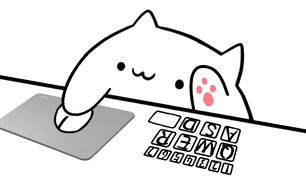
A compact keyboard highlights a focused set of controls and is easier to place beside gameplay, chat, alerts, or a webcam. It is also better suited to a vertical TikTok LIVE layout, where every source competes for a narrow frame. The mouse and arrow-key compact styles preserve a clear reaction while reducing visual weight.
Compact does not mean vague. Choose keys that correspond to the actions viewers care about, test the layout at actual output size, and keep it away from captions and platform interface elements. The goal is immediate recognition, not maximum key density.
Choose by content type
Use a full keyboard and mouse style so modifiers, shortcuts, and clicks can support the explanation.
Use compact keys or arrow inputs to make timing readable while protecting gameplay space.
Choose a compact style, test on a phone-sized preview, and place it outside caption-safe zones.
Switch to the dedicated gamepad style rather than forcing controller actions into a keyboard metaphor.
Six characters, five style families
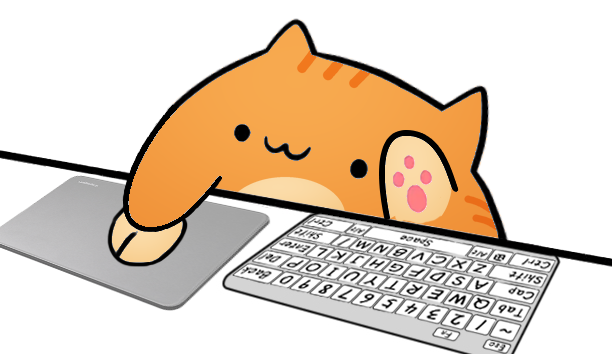
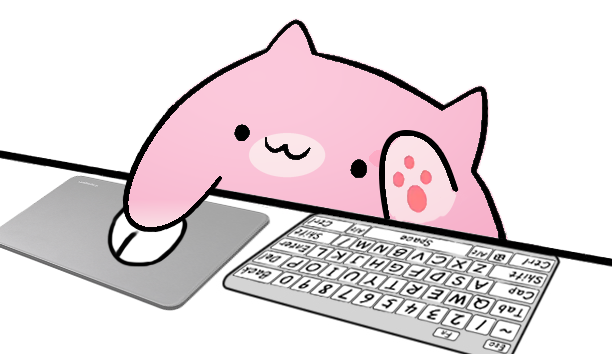
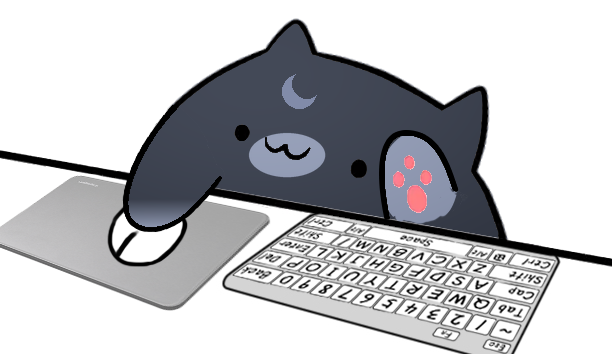
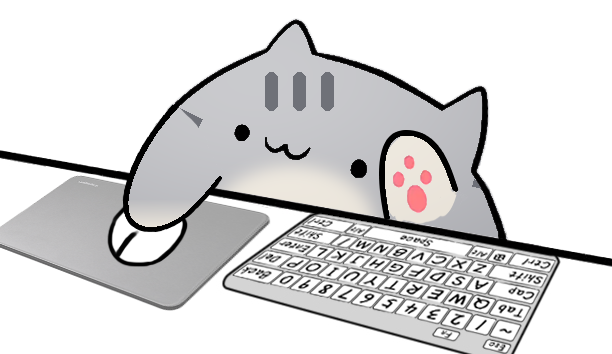
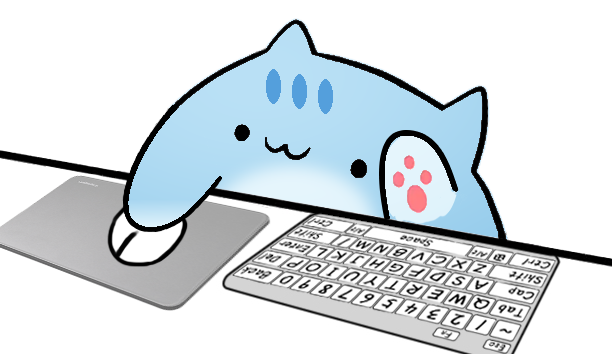
Overlay Cat separates character choice from input style. You can test Classic Bongo Cat, Marmalade, Sakura, Luna, Misty, and Sky with the same keyboard behavior. That makes it easier to match a stream palette without relearning the setup or rebuilding the Browser Source.
Compare all Bongo Cat characters and styles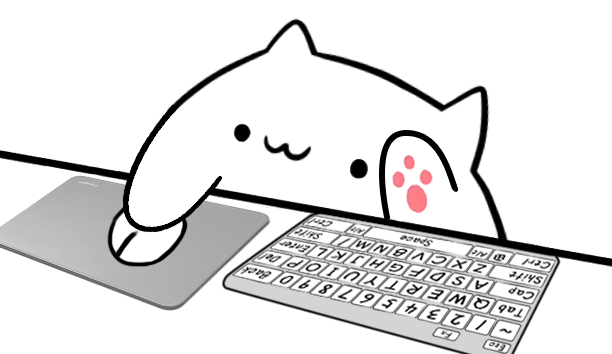
Make input visible
Use the browser tester for a quick check or install Overlay Cat Desktop for system-level stream input.