Tutorial accuracy
Show the exact menus, drag targets, and click points that would otherwise require a verbal explanation.
Make every click readable
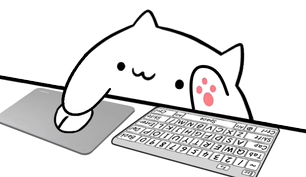
Show left clicks, right clicks, and held mouse buttons with a Bongo Cat mouse overlay that fits OBS scenes, tutorials, TikTok LIVE, and gameplay. Preview the reactions in your browser, then connect Overlay Cat Desktop for system-level input.
Clicks matter
Viewers can see a menu open, an enemy react, or a file move, but the click that caused the change is usually invisible. A mouse overlay connects the action with the input and helps the audience follow software tutorials, gameplay decisions, and creative workflows in real time.
Show the exact menus, drag targets, and click points that would otherwise require a verbal explanation.
Let viewers connect a click or held button with the moment it changes the game.
Turn ordinary clicks into a Bongo Cat reaction that keeps the scene alive and memorable.
Mouse + full keyboard
The mouse and full keyboard style works for desktop tools, editing suites, coding sessions, and software instruction. Viewers can follow both the keys that trigger a command and the click that confirms it. The wider footprint suits a landscape OBS scene with room below screen capture or beside a webcam.
Pair the full keyboard with the mouse style when shortcuts and menus are equally important. The Bongo Cat remains the visual focus while the keyboard and mouse give the audience recognizable context underneath.
Mouse + compact keyboard
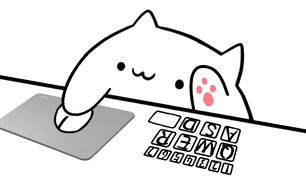
A compact layout highlights mouse clicks and a focused set of keys, making it easier to place in a busy game or a vertical TikTok LIVE frame. The reaction is still clear because the cat moves with every supported click, but the overlay does not fight gameplay, captions, or chat for attention.
Compact does not mean less useful. Choose the controls viewers need to understand, test the layout at actual output size, and keep it away from platform interface elements. Immediate recognition is more valuable than maximum key density.
Choose by content type
Use the mouse and full keyboard style so menus, shortcuts, and drag actions stay visible.
Use compact mouse input to reveal click timing and target decisions without covering the action.
Choose a compact style, test on a phone-sized preview, and place it outside caption-safe zones.
Let viewers see drawing, design, and productivity clicks while the cat reacts in rhythm with the work.
Six characters, five style families
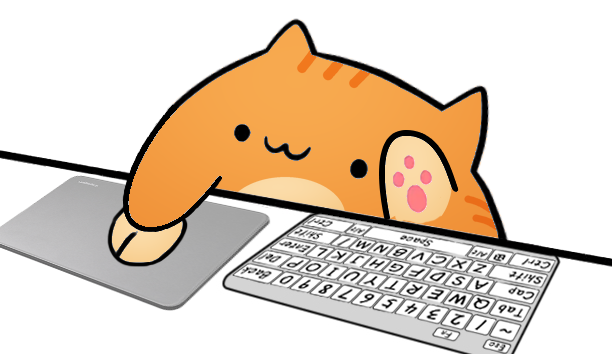
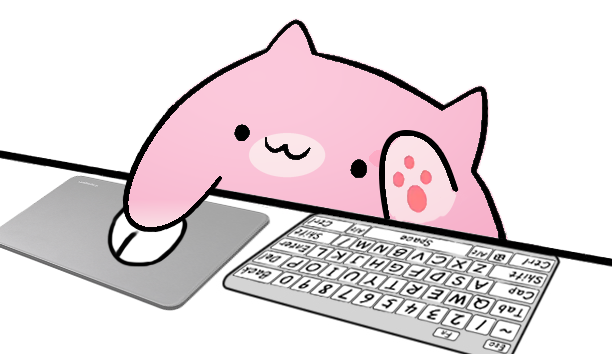
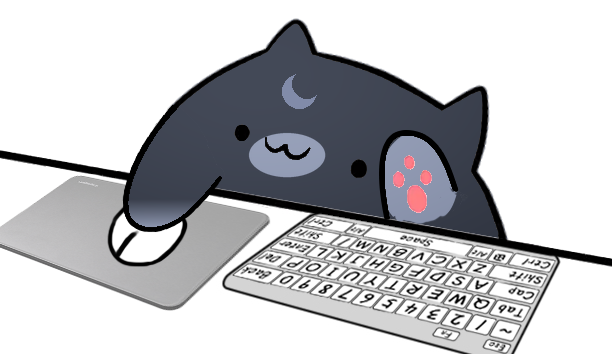
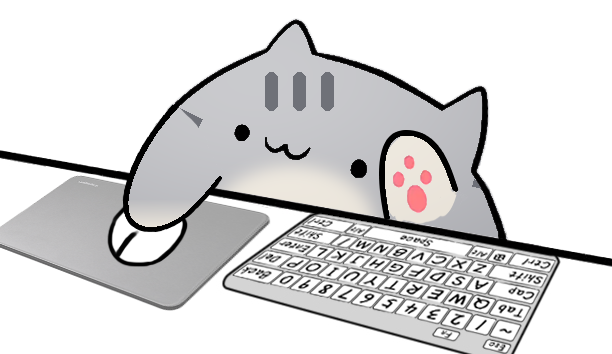
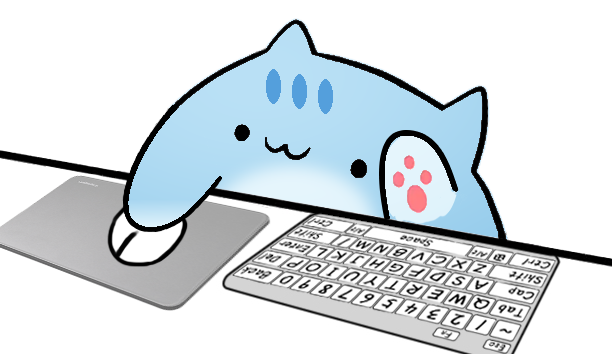
Overlay Cat separates character appearance from input style. You can test Classic Bongo Cat, Marmalade, Sakura, Luna, Misty, and Sky with the same mouse behavior. That makes it easier to match a stream palette without relearning the setup or rebuilding the Browser Source.
Compare all Bongo Cat characters and styles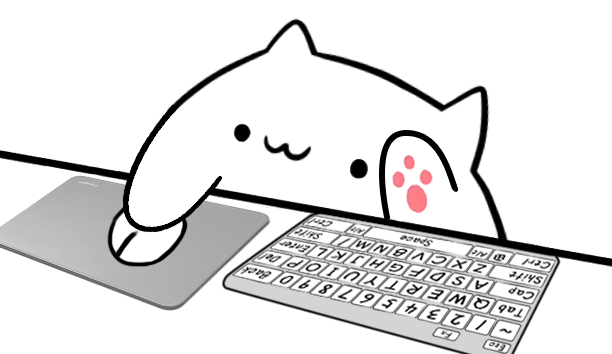
Make input visible
Use the browser tester for a quick click check or install Overlay Cat Desktop for system-level stream input.