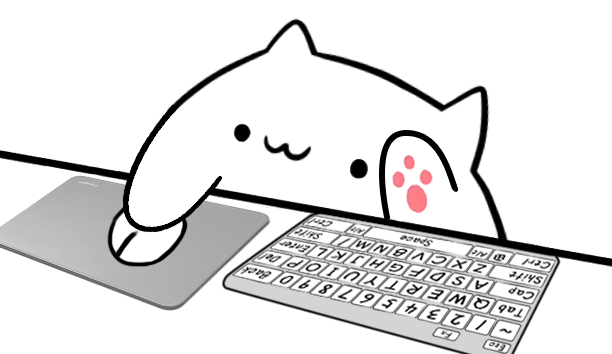
Characters and input styles
Bongo Cat Characters and Input Styles
Choose one of six Bongo Cat characters, then pair it with a Desktop input style for keyboard, mouse, arrow key, or gamepad reactions. Every combination can be tested in the homepage preview.
6 characters / 5 stylesSix PNG Sprite characters
Choose a Bongo Cat character for your overlay
Character controls the cat's appearance while style controls the hardware beneath its paws. Pick the personality and palette that fit your stream first; you can combine every character with all five input styles without changing how keyboard, mouse, arrow key, or gamepad reactions work.
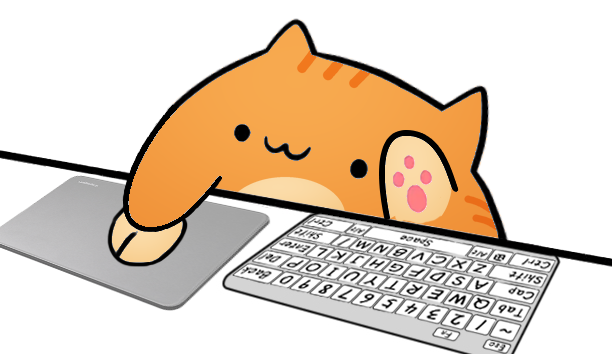
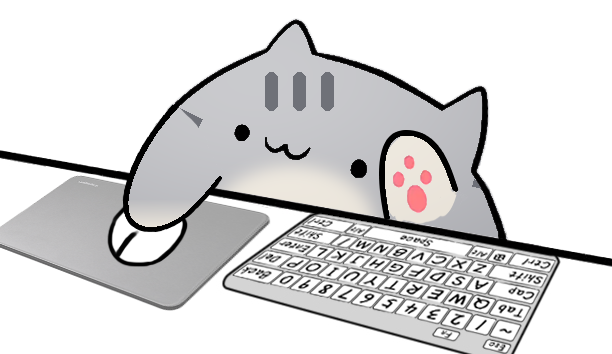
Orange tabby
Marmalade Cat
A warm orange tabby with playful forehead and cheek markings.
Try Marmalade Cat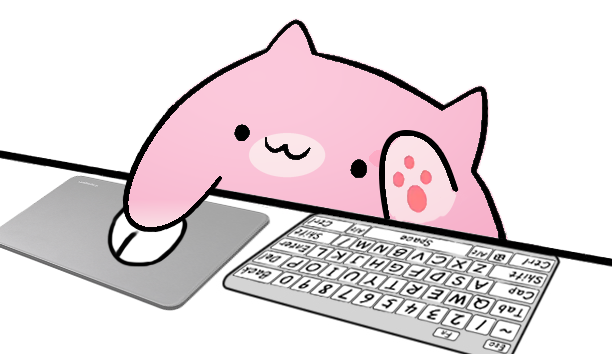
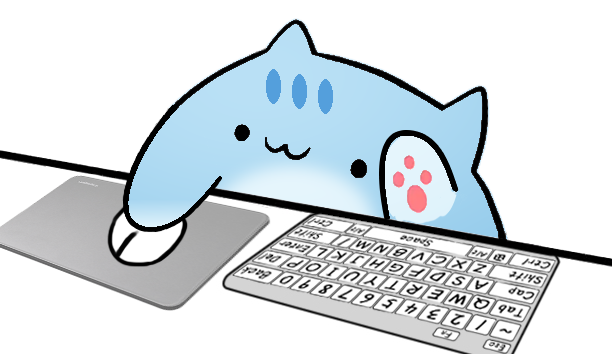
Sakura pink
Sakura Cat
A soft pink cat with rosy cheeks and a gentle streamer-friendly palette.
Try Sakura Cat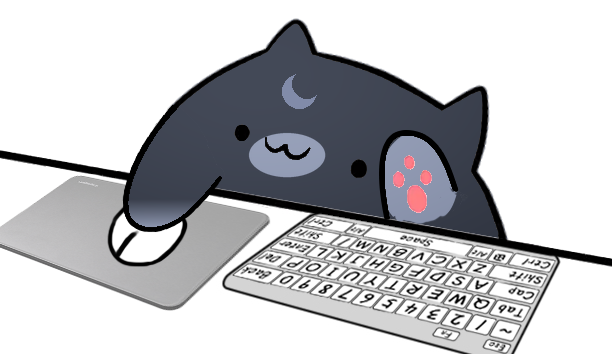
Five Desktop styles
Bongo Cat input styles for keyboard, mouse, arrows, and gamepad
Style describes the visible input hardware and action map, matching the names used in Overlay Cat Desktop. Use a full keyboard when viewers need broad shortcut context, a compact keyboard when scene space is limited, or the gamepad style when controller actions are the focus.
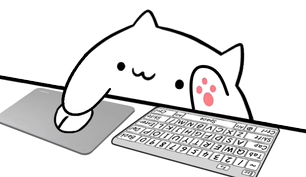
Mouse input
Mouse + Full
A full keyboard with mouse controls for Bongo Cat overlays that need typing, shortcuts, and visible clicks.
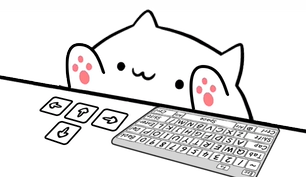
Arrow input
Arrows + Full
A full keyboard paired with arrow controls for games and streams where directional input should stay visible.
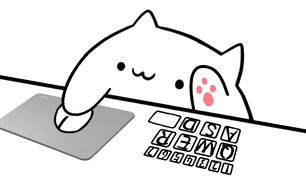
Mouse input
Mouse + Compact
A compact keyboard and mouse layout that keeps the Bongo Cat input overlay clear in smaller OBS and TikTok scenes.
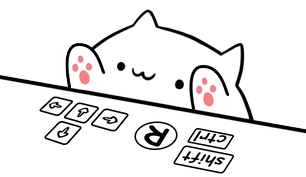
Arrow input
Arrows + Compact
A compact keyboard with arrow controls for focused gameplay, tutorials, and vertical streaming layouts.
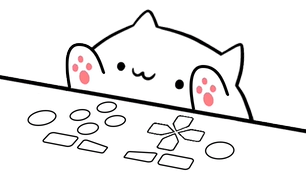
Controller input
Gamepad
A controller-focused Bongo Cat style that turns gamepad buttons and directional actions into visible reactions.
How characters and styles work together
Each Bongo Cat character is built from layered PNG Sprites rather than a single flat image. The character supplies the body, expressions, and paws; the selected style supplies the keyboard, mouse, arrow controls, or gamepad. Overlay Cat combines those layers so a key press or click can replace the correct hand frame immediately while preserving the chosen character.
Because character and style are separate choices, Marmalade Cat can use the same full keyboard mapping as Bongo Cat, while Luna Cat can move from a compact mouse layout to gamepad controls. This makes it easier to change the look of an input overlay without rebuilding the underlying setup.
Bongo Cat characters for OBS and TikTok Live
In an OBS scene, choose a character whose palette stays readable beside gameplay, chat, and a webcam. Full styles are useful for tutorials and shortcut-heavy streams; compact styles preserve more of the main video. For TikTok Live and vertical clips, the smaller hardware layouts can keep the reaction visible without taking over the narrow frame.
The website preview listens only while the browser page is active. Overlay Cat Desktop is intended for production capture, where the Bongo Cat overlay needs to respond while OBS, a game, or another application has focus.
Try a combination